Best AI Cannabis Growing Apps: What to Compare in 2026
Published April 13, 2026 · Updated October 5, 2026
The best AI cannabis growing app for you is the one that fits the job you need: reviewing plant photos, keeping a journal, or organizing observations. Start with the feature you will use regularly, then check the current subscription terms and how the app handles your data. MasterGrowbot AI is an option for readers who want photo-based assistance and a digital plant journal on iOS or Android. This guide offers selection criteria, not a tested ranking or an independent accuracy benchmark.
Published by MasterGrowbot AI, the app featured below.
See the app before choosing a plan
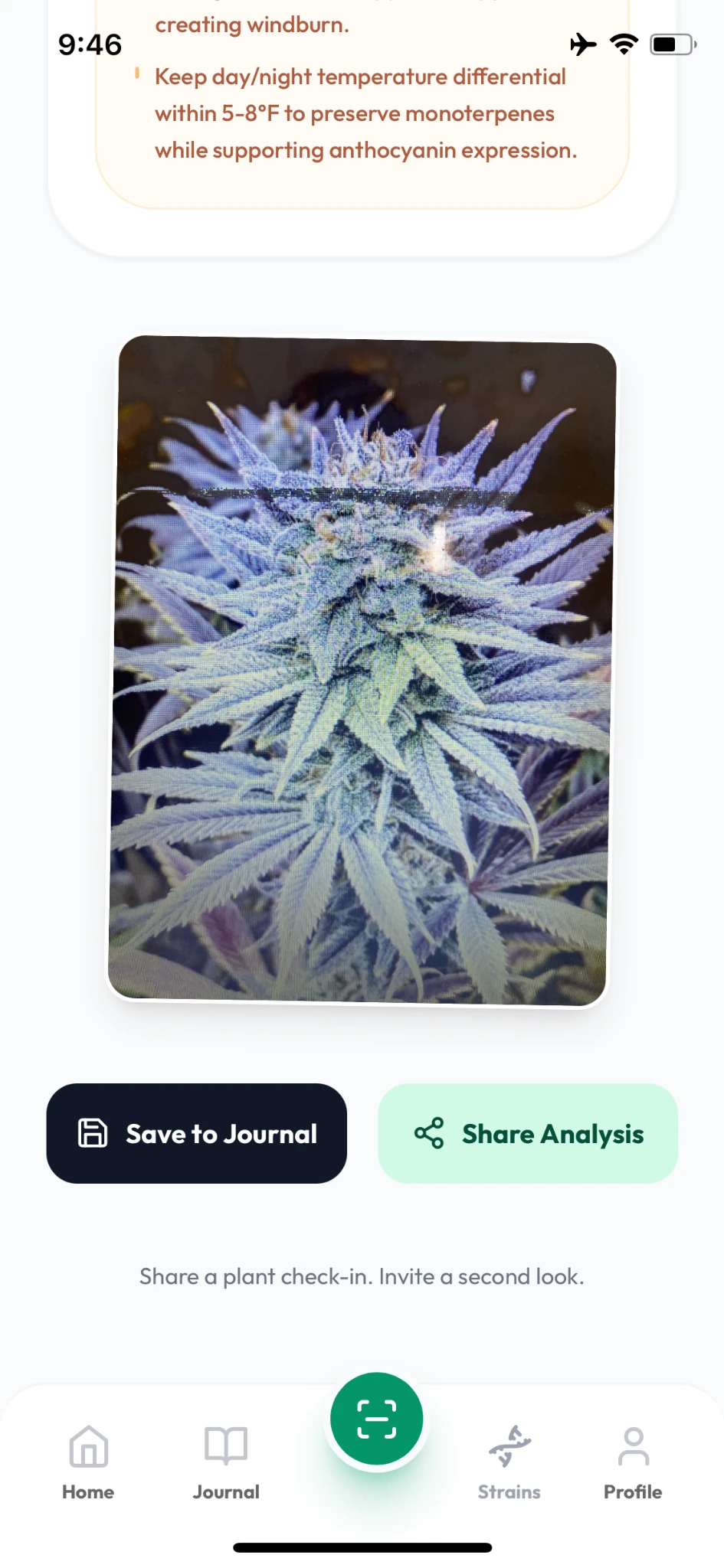
Review a plant photo, read the AI observations, then save the report with your journal records. Return to earlier observations instead of searching through scattered photos.
- Pro
- Photo analysis, grow records and strain intelligence. Eligible new Pro subscribers can receive a three-day trial; check the offer in your store.
- Premium on iPhone
- Adds short-video review and expands the library to 600 total strain profiles. Premium does not include the introductory Pro trial.
Download is free; paid features require a subscription. Android features and offers may differ. Your store shows current pricing, billing period and renewal terms. AI observations support your judgment.
Explore the full app walkthroughQuick answer: choose by the job, not the AI label
| Your priority | What to compare | What to verify before subscribing |
|---|---|---|
| Photo-based assistance | Photo input, explanations and follow-up context | Whether results explain uncertainty instead of presenting guesses as facts |
| A useful journal | Notes, dated photos and plant-level organization | Whether you can find earlier observations easily |
| Video features | Video support and plan restrictions | Whether the feature is included in the plan shown at checkout |
| Value for money | Billing period, renewal price and trial eligibility | The terms displayed in your own app store account |
| Privacy | Photo handling, account controls and privacy policy | What you are comfortable uploading and retaining |
What MasterGrowbot AI offers
The iOS listing describes photo-based plant analysis, a digital journal with notes and photos, and shareable plant reports. It also describes a separate Premium Video Analysis feature. These are developer-described features, not proof of diagnostic accuracy. The Android listing is the source for the current Android offering; check your platform before buying.
If your priority is keeping observations together, start with the grow journal app checklist. For a closer look at photo-app selection, see the AI plant diagnosis app guide.
Compare an AI assistant with a journal or identification app
An AI assistant and a journal solve different software problems. A journal helps you retain a record; an assistant generates responses to submitted information. A plant identification tool may focus on naming a plant rather than explaining an observation. Decide which task matters most before comparing feature lists.
Use the plant identifier app guide if that distinction is your main question. Do not assume an app includes automatic sensor syncing, background monitoring, exports or offline access unless its current documentation confirms it.
What an AI result can and cannot tell you
Treat generated answers as suggestions to evaluate, not a confirmed diagnosis. An image or short description can omit important context. A confident tone, an AI label or a long feature list does not establish reliability.
When comparing apps, ask whether you can add context, review prior entries and understand the limits of the response. Do not rely on unsourced accuracy percentages, promised outcome improvements or unsupported superiority claims.
Check subscriptions before starting a trial
Read the plan name, billing period, renewal price and cancellation instructions in your store account. Do not assume that a free download means every feature is free, or that a trial applies to every plan. The Apple listing distinguishes Pro trial eligibility from Premium plans; terms can differ by platform and account.
This page does not publish a competitor price table because prices and included features need current verification. Compare what you will actually use, not the largest advertised feature count.
Do you need hardware as well as an app?
An app and a physical device are separate purchases. If you are also comparing equipment, the Grow-Tech product page lists the current products and purchase options. Check the relevant specifications rather than assuming every device connects directly to an app. Start with the app if your immediate need is organizing photos and notes.
Try the workflow before committing
Open the store page for your phone, review the current plan, and decide whether the photo and journal workflow fits your needs. Explore MasterGrowbot AI for iOS or see MasterGrowbot AI on Android. During any eligible trial, evaluate the interface, record organization and usefulness of the explanations.
Key takeaways: choose a specific software job, verify the plan, review privacy, and judge the workflow yourself. Browse the Grow Guides hub for related app-selection resources.
Sources checked September 26, 2026: the official Apple App Store and Google Play listings linked above. This is MasterGrowbot's own website, so the product discussion is first-party information.
Choose your MasterGrowbot AI plan
Explore MasterGrowbot AI for plant photos, journal notes, and daily tasks. Check your app store for current trial eligibility and subscription terms.
Save Your Grow from Pests & Diseases
Use The Master Cannabis IPM Playbook as your weekly pest and disease prevention system.
View the book on Amazon