Cannabis Plant Camera vs Phone Camera: Phone, Webcam, or Close-Up Lens?
Published July 18, 2026 · Updated September 10, 2026
A phone camera is enough for many plant diagnosis photos, including cannabis diagnosis photos, but a dedicated close-up plant camera can give better evidence when small details matter. Leaf spots, pest eggs, webbing, mildew texture, trichomes, and bud structure can be difficult to capture clearly with a normal phone lens.
The best choice depends on what you are trying to diagnose. Use a phone for whole-plant context, canopy shape, light distance, and quick grow journal photos. Use a webcam or fixed camera when you want routine remote checks. Use a close-up plant camera or macro lens when the decision depends on sharp detail at leaf, pest, bud, or trichome level.
This guide compares phone cameras, webcams, and close-up plant cameras for diagnosis photos, shows when each tool is worth using, and explains how MasterGrowbot Grow Tech and MasterGrowbot AI can connect photos, readings, notes, diagnosis, and tasks in one workflow.
Direct Answer: Phone, Webcam, or Plant Camera?
Use a phone camera for whole-plant diagnosis photos and grow journal context. Use a webcam or fixed camera for remote checks and time-based room monitoring. Use a dedicated plant camera or close-up lens when you need sharper leaf, pest, trichome, mildew, or bud detail.
For most growers, the best workflow is both: take a clear phone photo of the full plant, then use the MasterGrowbot AI Scout Camera 10-20X for close-up evidence. Upload the clearest symptom photo to MasterGrowbot AI on iOS or Android, then add notes and readings.
If you only buy one extra photo tool, buy it when your phone cannot focus close enough to show the detail that changes the decision.
Photo Tool Comparison
| Camera | Best For | Diagnosis Strength | Main Limit |
|---|---|---|---|
| Phone camera | Whole plant, canopy, training, light distance, grow journal photos | Shows symptom location and plant-wide pattern | May miss tiny pests, eggs, trichomes, and fine texture |
| Phone with careful technique | Most leaf symptoms under neutral light | Good enough when focus and lighting are strong | Digital zoom can make the photo noisy |
| Webcam or fixed plant camera | Remote checks, time-lapse records, room trend context | Shows changes over time without entering the room | Usually weak for leaf undersides, pests, and trichomes |
| Close-up cannabis plant camera | Pests, leaf spots, mildew texture, trichomes, bud checks | Captures details a phone often misses | Still needs whole-plant context |
| Both together | AI scans, pest scouting, harvest timing, recurring diagnosis | Combines context and detail | Requires a simple photo routine |
When A Phone Camera Is Better
A phone camera is better when you need context. Many cannabis diagnosis decisions depend on where the symptom appears, not just what the damaged tissue looks like. Yellow lower leaves mean something different from pale new growth. Upper-canopy curl means something different from lower-leaf droop. A whole-plant phone photo shows that pattern.
Phones are also easier for quick grow journal photos. They are fast, familiar, and good for documenting plant size, training changes, canopy fill, light height, watering events, and room layout. For many leaf problems, a modern phone under neutral light can produce a good enough image if you tap to focus and avoid shaky digital zoom.
Use the phone first when the question is broad: Is the whole plant affected? Is the issue only on old leaves? Is the canopy too close to the light? Is the room crowded? Then add a close-up photo when the broad view does not show enough detail.
When A Webcam Or Fixed Camera Is Better
A webcam or fixed camera is better when you want repeatable room visibility instead of close-up diagnosis. It can help you confirm whether lights are on, fans are moving, the canopy is changing, or a plant looks newly wilted between in-person checks.
A webcam is not the same as a close-up plant camera. Most fixed cameras sit too far away to show mite eggs, leaf-spot borders, mildew texture, or trichome detail. Treat webcam footage as context, then take phone and close-up photos when a specific symptom needs a decision.
Use a webcam first when the question is about timing or room behavior: Did the plant droop after lights came on? Did the canopy change overnight? Did equipment stop running? Use a plant camera when the question is about what the symptom actually is.
When A Plant Camera Is Better
A cannabis plant camera is better when the problem is small, textured, or hard to focus on. Pest eggs, mite webbing, thrip marks, mildew texture, trichome heads, bud mold concerns, and early leaf spotting often need magnification and steadier close-up detail.
The MasterGrowbot AI Scout Camera 10-20X is built for closer plant photos, symptom documentation, and app-based diagnosis workflows. It is a practical upgrade when your phone photos are too blurry, too distant, or too inconsistent for repeated scouting. Compare camera options in Best AI Plant Cameras for Cannabis Growers.
Use Both For Better Diagnosis Photos
The strongest cannabis diagnosis photo set uses both views. Take one close-up photo of the active symptom, one whole-plant photo, and one grow-context photo that shows light height, canopy density, fan placement, pot surface, or room layout.
The close-up photo answers what the damage looks like. The whole-plant photo answers where the damage is happening. The grow-context photo answers what may be causing or worsening it. This three-photo method reduces the risk of treating a leaf symptom while missing the room or root-zone condition behind it.
For best results, turn off heavily tinted grow lights, use neutral light, keep the camera steady, and photograph an affected leaf that is damaged but not fully dead. Fully dead tissue often hides the original pattern.
Add Readings So Photos Make Sense
A better photo does not explain everything by itself. Cannabis symptoms often need readings. Temperature, humidity, VPD, soil moisture, pH, fertility, and root-zone temperature can separate a real deficiency from lockout, overwatering, dry-air stress, or heat stress.
Use the free cannabis VPD calculator when you have temperature and humidity readings. Use the Cannabis Grow Room Monitor Guide and soil moisture and pH meter guide when recurring symptoms need better room or root-zone evidence.
MasterGrowbot Grow Tech Buying Path
MasterGrowbot Grow Tech hardware can be used on its own without the MasterGrowbot AI app to improve grow visibility, photo consistency, and record quality. The strongest fit depends on the evidence gap you are trying to close.
Start with the Scout Camera if your biggest problem is unclear diagnosis photos. Add the Environment Monitor if room swings are part of the pattern. Add the Soil Health Meter if watering, pH, fertility, or root-zone temperature are the weak points. Choose the full Grow Tech Kit when you want plant, room, and root-zone evidence together.
Pairing the hardware with MasterGrowbot AI can enhance results because photos, sensor readings, root-zone data, notes, diagnosis, and tasks stay connected in one workflow. Review the full lineup on Grow Tech or compare complete setups in Best Cannabis Grow Tech for Home Growers.
Which Camera For Common Cannabis Jobs?
| Job | Use Phone | Use Plant Camera | Best Workflow |
|---|---|---|---|
| Nutrient symptoms | Whole plant and leaf location | Spot edges, veins, texture | Phone first, close-up second, pH and moisture notes third |
| Pest scouting | Plant zones and damage pattern | Undersides, eggs, webbing, marks | Close-up detail plus inspection notes |
| Harvest timing | Bud structure and plant maturity | Trichome clarity and color | Close-up trichomes plus whole-plant readiness |
| Mold concern | Canopy density and airflow context | Bud surface and suspect tissue | Photos plus humidity, VPD, and airflow checks |
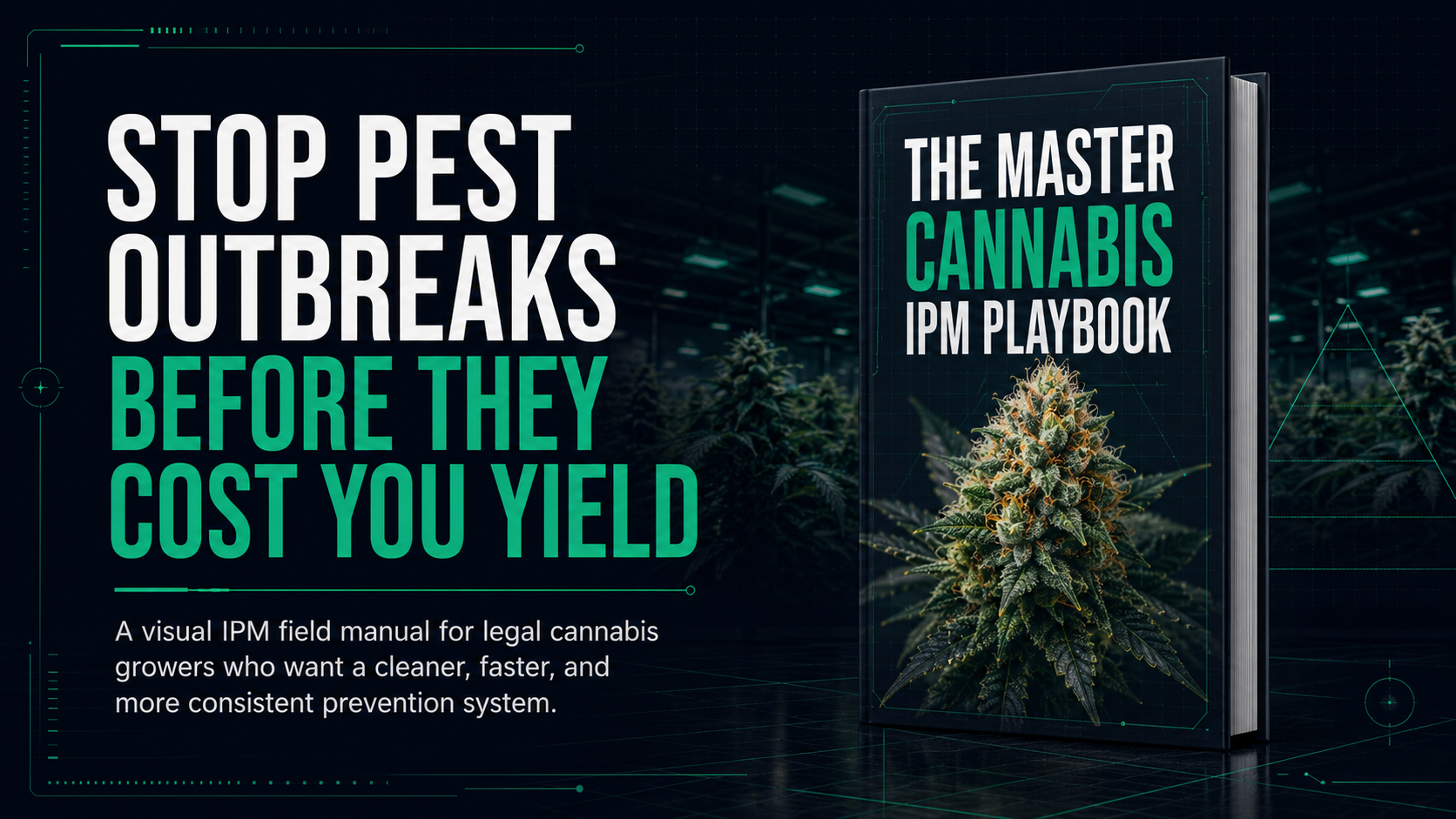
For pest and disease routines, pair plant scans with the Master Cannabis IPM Playbook on Amazon. It helps turn scouting, sanitation, prevention, and treatment into a repeatable habit.
Connect Photos With MasterGrowbot AI
The best diagnosis photo is the one connected to the decision that followed. Use MasterGrowbot AI to scan plant photos, save notes, attach room or root-zone readings, create follow-up tasks, and track whether the plant improves after the correction.
Download MasterGrowbot AI on iOS or Android, compare camera and sensor options on Grow Tech, use the free cannabis VPD calculator, and browse more practical workflows in the MasterGrowbot grow guides.
Download MasterGrowbot AI: Free 3-Day Trial
Explore MasterGrowbot AI for plant photos, journal notes, and daily tasks. Check your app store for current trial eligibility and subscription terms.
Protect Your Grow with the IPM Playbook
Use the IPM Playbook as your weekly pest prevention system.
View the book on AmazonThe Master Cannabis IPM Playbook
A visual IPM field manual for legal cannabis growers who want cleaner prevention, faster scouting, and better grow documentation.
The Master Cannabis IPM Playbook for legal growers