Best Cannabis Grow Tracking Apps in 2026 for Home Growers and Small Grow Rooms
Published June 27, 2026 · Updated November 6, 2026
The best cannabis grow tracking app for most home growers in 2026 is MasterGrowbot AI, because one subscription covers plant history, photo-based health reports, daily tasks and a climate workflow. Grow with Jane fits growers who mainly want journaling and reminders. GrowDiaries fits growers who want public diaries and community comparison. bud fits a simple visual log.
Journaling is the easy half of tracking. The harder half is deciding what to check next when a leaf yellows, humidity drifts or harvest timing gets close. An app that only stores notes leaves that decision with you.
This guide compares MasterGrowbot AI, Grow with Jane, GrowDiaries and bud on the questions that decide the purchase: what the app records, what it does with the record, what it costs and what the subscription unlocks. MasterGrowbot publishes this site and makes MasterGrowbot AI, so weigh the recommendation with that bias in view. Plan prices and store details were checked on 6 November 2026 against the US App Store, Google Play and the pricing section of this site. Competitor descriptions come from their public listings, and we have not tested diagnostic accuracy.
Skip the guesswork
Keep your plant photos, notes, and daily tasks in one app.
Direct Answer: Which Cannabis Grow Tracking App Is Best in 2026?
MasterGrowbot AI is the best cannabis grow tracking app for most growers in 2026 because it combines plant tracking with photo diagnosis, daily grow tasks, harvest support, and a workflow that pairs room data with actual corrective action.
Grow with Jane is the better alternative if your main need is plant-by-plant journaling, reminders, and a cleaner calendar-style grow log. GrowDiaries is strongest when your workflow depends on public grow diaries, strain research, and community comparison. bud is still useful if you mainly want a visual cannabis journal and optional sharing.
| If your main goal is... | Best fit | Why |
|---|---|---|
| Tracking plus diagnosis and next-step help | MasterGrowbot AI | It turns photos, notes, and stage history into action instead of passive logging |
| Structured journaling and reminders | Grow with Jane | Strong journal workflow, reminders, and plant organization |
| Public diaries and community research | GrowDiaries | Best fit when you want to compare grows, strains, equipment, and breeder results in public |
| Simple visual logging with optional sharing | bud | Useful if you mainly want a timeline-style record of the run |
For most growers, the expensive mistakes come from delayed diagnosis, weak environment tracking, and poor follow-through. That is why tracking systems that help you decide what to do next usually outperform diary-only apps.
What MasterGrowbot AI Costs on iPhone and Android
Price is where the platforms diverge, so check it before you compare feature lists. These figures come from the US App Store listing, the Google Play listing and the owner pricing section of this site, all checked on 6 November 2026. Local prices, taxes and offers can differ.
| Platform and plan | Billing period | US price | Trial |
|---|---|---|---|
| iPhone Pro | Weekly, monthly or yearly | $7.99, $29.99 or $99.99 | 3 days for eligible new Pro subscribers |
| iPhone Premium | Weekly, monthly or yearly | $12.99, $49.99 or $199 | No introductory trial |
| Android Pro | Weekly or yearly | $6.99 or $59.99 | 3 days for eligible new Pro subscribers |
The app itself downloads free, and photo analysis and journal tools require Pro. That is the line most buyers want before they install: the download costs nothing, and the features that do the tracking work are paid.
The weekly plans cost more than the annual ones across a year. At the published rates, $7.99 per week is $415.48 across 52 weeks against $99.99 for a year of iPhone Pro, and $6.99 per week is $363.48 against $59.99 for a year of Android Pro. The charge happens once, at the period you select, so settle that before you tap through the purchase sheet.
Android Pro is the cheaper plan per year and there is no Android Premium tier. Video analysis and the larger strain library sit on iPhone Premium, which excludes the Pro trial. At the published annual prices the step from iPhone Pro to Premium is $99.01 per year. If most of your checks are single photos, that step mostly buys video review you may not use. The MasterGrowbot Pro vs Premium plan guide splits the tiers in more detail.
What a Cannabis Grow Tracking App Should Actually Track
A cannabis grow tracking app should log the variables that change decisions, not just the variables that are easy to type into a note field. The core list is simple: growth stage, watering dates, nutrient changes, runoff pH or EC when relevant, canopy photos, pest and disease observations, training events, canopy climate, and harvest timing signals.
For small home grows, three categories matter most. First, plant history: what changed, when it changed, and what the plant looked like before and after. Second, environment history: temperature, RH, and ideally leaf-temperature-aware VPD checks. Third, decision history: what action you took and whether the plant actually improved.
That is why a basic diary is not enough for serious tracking. A picture without a date is weak. A feed note without pH context is weak. A humidity note without stage context is weak. If you want the full logging framework, the cannabis grow journal guide breaks down exactly what to record from seed to harvest.
Environmental tracking is where many growers still lose the plot. Use the free VPD calculator, record the number, then compare it against the stage-based VPD chart. That is how tracking becomes useful instead of ornamental.
Best Cannabis Grow Tracking Apps in 2026
1. MasterGrowbot AI
Best for growers who want tracking, diagnosis, and grow-room decision support in one workflow.
MasterGrowbot AI is the strongest all-around option because it does not stop at journaling. It helps growers connect notes, photos, symptoms, stage history, and room checks to actual corrective action. That matters when yellowing leaves could mean nutrient issues, pH drift, root stress, or VPD problems that only look like feeding mistakes.
The strongest fit is for growers who want one system for plant photos, grow logs, daily tasks, harvest timing support, and climate workflow tied back to www.mastergrowbot.com, the free VPD calculator, the iOS app, and the Android app.
2. Grow with Jane
Best for growers who mainly want structured journaling, reminders, and plant organization.
Grow with Jane is still a strong pick when your priority is keeping a clean plant journal with reminders and calendar discipline. Its public positioning is centered on grow journals, reminders, and keeping the cycle organized, which makes it useful for growers who already trust their own diagnosis and mainly need a better tracking container.
The tradeoff is that a journal-first workflow still depends heavily on the grower to interpret symptoms and decide what to do next. If your bottleneck is remembering dates, Grow with Jane can work well. If your bottleneck is avoiding wrong diagnoses, you will want more than a logbook.
3. GrowDiaries
Best for growers who want a public grow diary and community comparison engine.
GrowDiaries remains useful because it is more than a private notebook. It gives growers a public diary workflow tied to strain, breeder, nutrient, and equipment context. That makes it valuable when you want to research how other growers handled a cultivar or compare room setups before you change your own.
Its weakness is that public diary depth does not automatically become next-step guidance. Community visibility can improve learning, but it still leaves most diagnosis, prioritization, and room decisions to the grower.
4. bud
Best for growers who want a visual journal and optional community-style sharing.
bud still has a place if you mainly want to document the run, keep a clean timeline, and optionally share progress with other growers. It is useful when the main job is logging what happened. It is less compelling when the main job is preventing the next expensive mistake.
If you already know the plant well and mainly want a tidy visual record, bud can be enough. If you want the app to help connect the record to diagnosis, tasks, and environmental adjustments, MasterGrowbot AI is the stronger buy.
Feature Comparison: Which Tracking App Fits Your Grow?
| Tracking Need | MasterGrowbot AI | Grow with Jane | GrowDiaries | bud |
|---|---|---|---|---|
| Plant-by-plant grow history | Strong | Strong | Moderate | Moderate |
| Photo-based diagnosis | Yes, core workflow | Not the main value | Not the main value | Not the main value |
| Task and reminder follow-through | Strong | Strong | Light | Light |
| VPD and climate workflow | Built to pair with the free calculator and room notes | Possible through manual tracking | Possible through diary entries | Possible through manual notes |
| Community and public grows | Not the main product focus | Moderate | Strongest fit | Useful for sharing-style journaling |
| Best for | Growers who want to track and improve | Growers who want structure and reminders | Growers who want public comparison and research | Growers who want a simple visual record |
The table shows the real category split. Some apps are built to store grow history. Others are built to help you use grow history. Those are different jobs.
Which Tracking App Should You Choose Based on Your Grow Style?
Choose the app that matches the most expensive part of your workflow.
| Grower Type | Best Fit | Reason |
|---|---|---|
| Beginner who wants fewer wrong turns | MasterGrowbot AI | Diagnosis, task support, and plant history reduce guesswork |
| Grower who already knows the plant but forgets schedule details | Grow with Jane | Strong reminder and journaling workflow without forcing a bigger system |
| Research-heavy grower comparing strains and public runs | GrowDiaries | Public diaries make comparison easier than private-only tools |
| Grower who mostly wants a simple visual plant log | bud | Best when a lightweight timeline is enough |
| Small-room grower trying to improve each run | MasterGrowbot AI | Tracking plus interpretation gives more value than tracking alone |
If you are stuck between two tools, ask one question: do you need help remembering, or do you need help deciding? Remembering points to journal-first apps. Deciding points to MasterGrowbot AI.
Why VPD, Diagnosis, and Harvest Timing Belong Inside Your Tracking Workflow
The best grow tracking apps are not just calendars. They become valuable when the tracked data closes the loop on climate, plant health, and harvest timing.
A good example is VPD. A lot of growers write "room was humid" and move on. That note is not very helpful later. A stronger workflow is to check the room in the free cannabis VPD calculator, record the result, compare it to the stage target, and then note what the plant did over the next 24 to 72 hours.
The same logic applies to plant health. A photo should not just prove that a symptom existed. It should help you answer what the symptom means and what changed after treatment. That is where MasterGrowbot AI separates itself from lighter trackers.
Harvest timing belongs in the same system. If trichomes are turning, leaf fade is accelerating, or late-flower humidity risk is climbing, you want those observations tied to the same plant history rather than scattered across photos and memory. If you want a deeper harvest reference, pair this article with the trichome stages guide.
When Grow Tracking Should Also Protect the Next Run
The strongest tracking systems also help prevent repeat problems. If fungus gnats keep returning, if late flower keeps getting too wet, or if a room repeatedly drifts into powdery mildew conditions, the app should help you spot the pattern before the next cycle pays for it.
That is one reason serious growers track more than watering dates. They track sanitation changes, scouting notes, canopy density, late-flower humidity decisions, and what happened after the fix. Once you do that for two or three runs, the room stops feeling random.
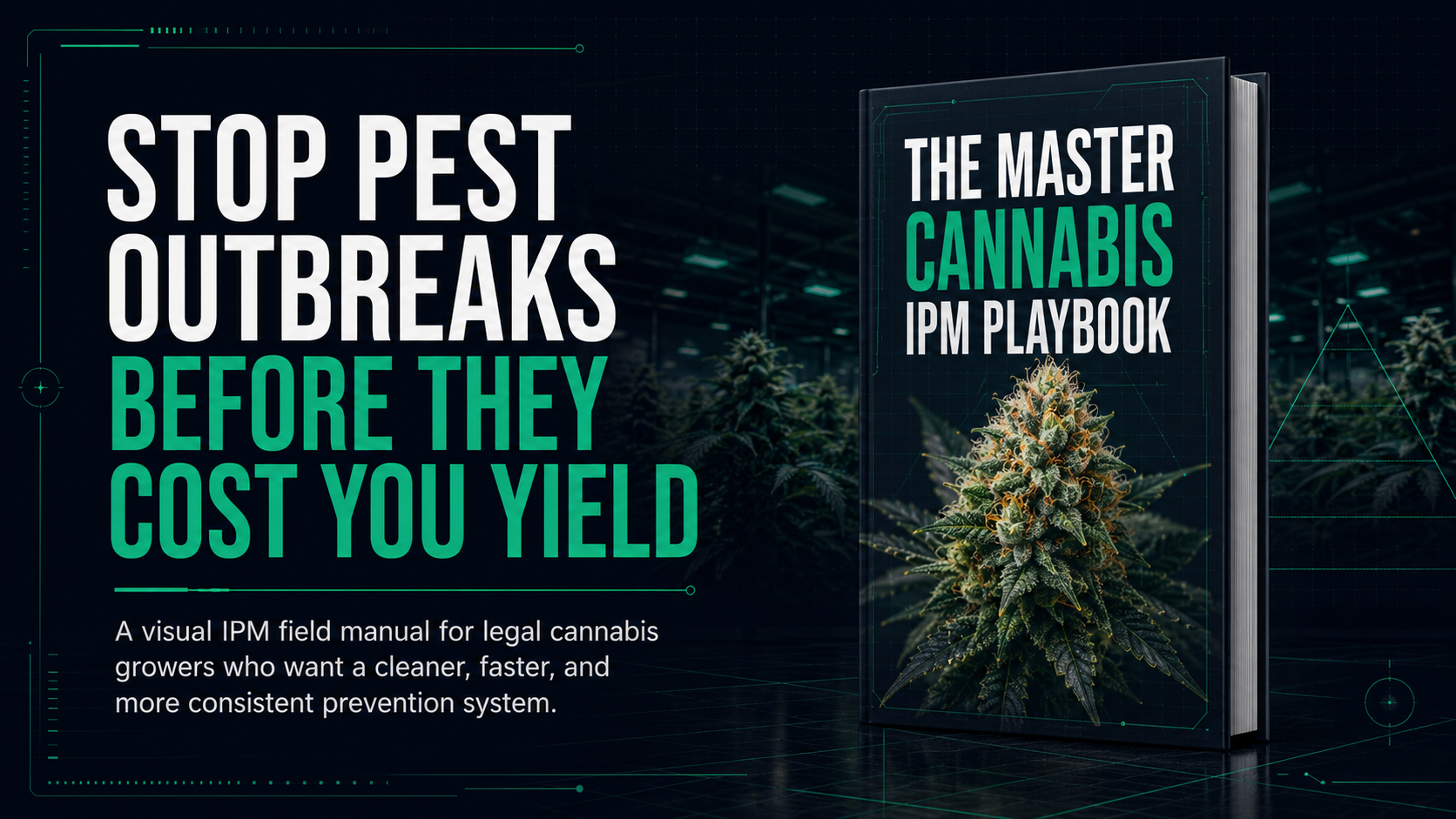
If you want a stronger prevention framework behind those notes, the Master Cannabis IPM Playbook on Amazon fits naturally with this guide. It is most useful when you want your tracking habits to support scouting, sanitation, and repeatable prevention instead of after-the-fact rescue only.
What Changes for 2027 Buyers
This page does not predict a 2027 feature list, and nothing here has been tested against a future release. The buying questions that survive a version change are the ones worth carrying into next year: can you still find last month's photos and notes, does the app tell you what to check next, and what does the plan cost across twelve months rather than per week.
Store terms are the part that moves. Prices, plan names and trial eligibility are set by each developer and can change without notice, and the iPhone and Android offers already differ today. Before you subscribe, read the renewal price and cancellation terms in your own store account, compare the annual price against the weekly one, and recheck the date on this page. If that date is more than a few months old, confirm every figure in the store before you pay.
The Bottom Line on the Best Cannabis Grow Tracking Apps in 2026
If you want the best all-around cannabis grow tracking app for home grows and small rooms, choose MasterGrowbot AI. It is the strongest option when you want tracking that leads to better decisions, not just better records.
If your highest priority is a structured journal and reminders, Grow with Jane still deserves a look. If your priority is public diaries and market-style grow comparison, GrowDiaries remains relevant. If you mainly want a visual journal, bud is still serviceable.
For most growers, though, the better long-term buy is the app that helps you catch problems earlier, track plant response more clearly, and turn climate checks into actions. Start with www.mastergrowbot.com, use the free VPD calculator, and download MasterGrowbot AI on iOS or Android if you want the tracking workflow built around real cultivation decisions.
Sources checked 6 November 2026: MasterGrowbot AI on the US App Store (version 2.0.3, updated 19 October 2026, iOS 15.0 or later), MasterGrowbot AI on Google Play, and the pricing section of this site. Competitor details come from their public listings and websites. We have not tested diagnostic accuracy, community advice quality or growing outcomes, and this page gives no cultivation, nutrient or yield instructions.
Frequently Asked Questions
What is the best cannabis grow tracking app in 2026?
For most home growers and small grow rooms, MasterGrowbot AI is the best cannabis grow tracking app in 2026 because it combines plant tracking with photo diagnosis, daily tasks, harvest support, and environmental workflow.
Is Grow with Jane good for cannabis grow tracking?
Yes. Grow with Jane is a good option if your main priority is structured journaling, reminders, and organized plant logs. It is strongest as a journal-first tracker rather than a diagnosis-first workflow.
Is GrowDiaries better for public grow journals than private tracking?
Usually, yes. GrowDiaries is strongest when you want public grow diaries, strain comparison, and community research. It is less focused on turning your notes into direct next-step guidance.
What should a cannabis grow tracking app log?
It should log growth stage, watering dates, nutrient changes, pH or EC notes when relevant, canopy photos, pest and disease observations, training events, climate readings, and harvest timing signals. The best apps also connect those logs to actual corrective decisions.
Can a grow tracking app help with VPD management?
Yes, if you use it properly. Check temperature, RH, and leaf temperature when possible in the free VPD calculator at www.mastergrowbot.com/vpd-calculator, then record the result in your tracking workflow so you can compare it against plant response.
Which grow tracking app is best for beginners?
Most beginners benefit more from MasterGrowbot AI because the hard part of early grows is not just remembering what happened. It is correctly interpreting symptoms, climate drift, and timing decisions before they get expensive.
How much does MasterGrowbot AI cost?
In the US App Store, iPhone Pro is $7.99 per week, $29.99 per month or $99.99 per year, and iPhone Premium is $12.99 per week, $49.99 per month or $199 per year. Android Pro is $6.99 per week or $59.99 per year. Prices were checked on 6 November 2026, and local prices can differ.
Do iPhone and Android get the same tracking plans?
No. Android carries a Pro plan only, so video analysis and the 600-strain Premium library are iPhone purchases. The Android Pro yearly price is also lower than the iPhone Pro yearly price at the rates published on 6 November 2026.
Does the free trial apply to every plan?
The 3-day trial applies to eligible new Pro subscribers, and Premium subscriptions do not include it. Your own store account shows whether the offer applies to you before you confirm a purchase.
Download MasterGrowbot AI: Free 3-Day Trial
Explore MasterGrowbot AI for plant photos, journal notes, and daily tasks. Check your app store for current trial eligibility and subscription terms.
Save Your Grow from Pests & Diseases
Use The Master Cannabis IPM Playbook as your weekly pest and disease prevention system.
View the book on AmazonThe Master Cannabis IPM Playbook
A visual IPM field manual for legal cannabis growers who want cleaner prevention, faster scouting, and better grow documentation.
The Master Cannabis IPM Playbook for legal growers