For your computer
Plant photo reports, in your browser
Upload a photo of your cannabis plant. Get a health score, the most likely issue, what to do first and the steps to fix it, saved to your account.
MasterGrowbot Web Pro
$59a year
That is $4.92 a month
- Up to 40 AI plant photo reports every week
- A first action and fix steps in every report
- Saved VPD, light and grow week numbers
- Grow checklists and printable reports
$59 USD billed today, then $59 every year until you cancel. Cancel anytime.
Secure checkout by Whop
Growing from your phone? Get MasterGrowbot AI, with a free 3-day trial for eligible new Pro subscribers: iPhone app or Android app.
One photo in. A clear plan out.
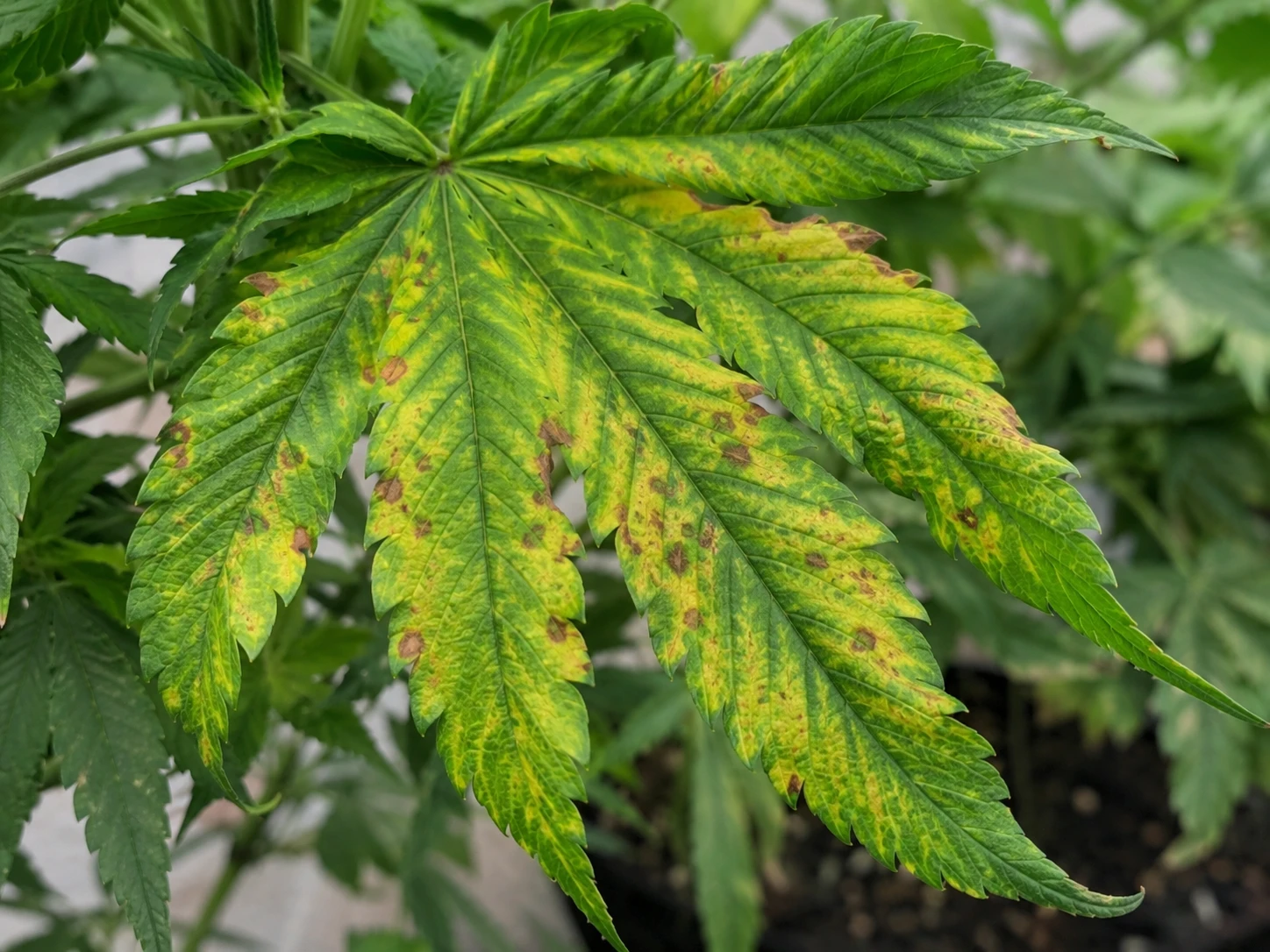
Calcium and Magnesium Deficiency (Likely Root-Zone pH Lockout)
Health 55, confidence 85%, vegetative stage
Do this first
Check and adjust the pH of your water and root-zone runoff, then add a Cal-Mag supplement.
- Measure the pH of your nutrient water before feeding (aim for 6.2 to 6.8 in soil, or 5.8 to 6.2 in coco/hydro).
- Test the pH and EC of the runoff water draining out the bottom of the pot to rule out root-zone lockout.
- Add a standard Calcium-Magnesium (Cal-Mag) supplement at 2-5 mL per gallon during your next scheduled feeding.
Actual MasterGrowbot AI report for this photo, generated November 2026. Guidance from a photo, not a lab test. Results vary with the photo.
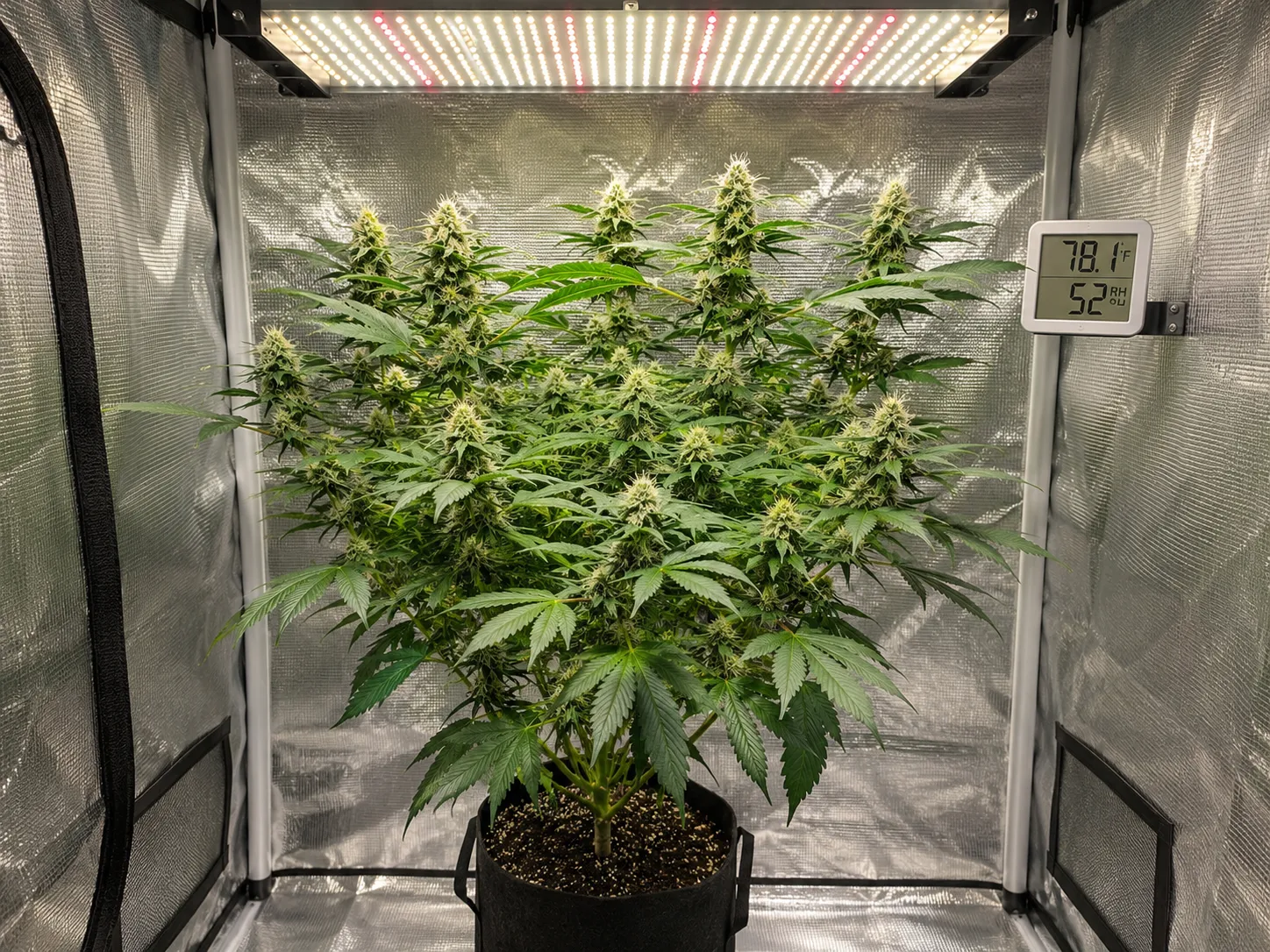
Web Pro or the app?
MasterGrowbot Web Pro gives you full browser access today. 1-tap iOS and Android sync is planned for a future mobile update.
The app is best in the grow room
Snap a photo beside your plant, keep a grow journal, get daily tasks and look up strains. Free 3-day trial for eligible new Pro subscribers.
Web Pro is best at your desk
Upload photos from any computer, save VPD, light and grow week numbers, work through checklists and print reports.
Web Pro questions
Is Web Pro the same as the MasterGrowbot AI app subscription?
No. Web Pro works in your browser and the app subscription works in the app, so each is bought separately today. 1-tap iOS and Android sync is planned for a future mobile update.
I already pay for the app. Do I need Web Pro?
No. Keep using the app. Web Pro is for growers who want photo reports and saved grow numbers on a computer. It does not change or replace an app subscription.
How many plant photo reports do I get?
Up to 40 photo reports every week. Saved numbers and checklists do not count toward that limit.
How do I cancel Web Pro?
Open Account inside Web Pro and choose Manage or cancel subscription. It opens your Whop billing page, where you can cancel anytime and keep access until the end of the period you paid for.
What happens to my photos?
Your photo is resized in your browser, which also removes its location details, then sent for the report. A small preview is saved with the report in your account, and you can delete it anytime.
Free to use, no sign in: VPD calculator, symptom checker and cannabis grow guides.